1
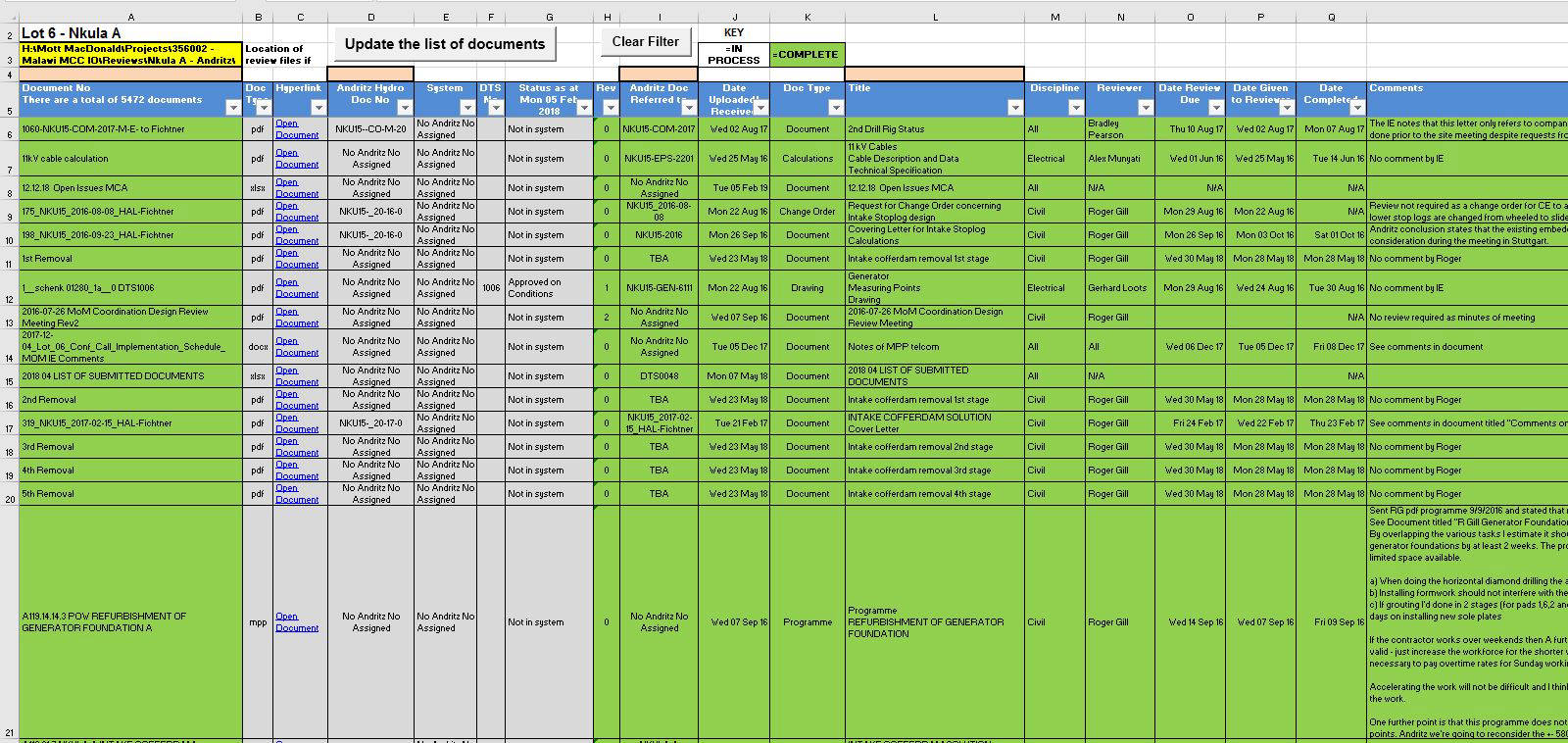
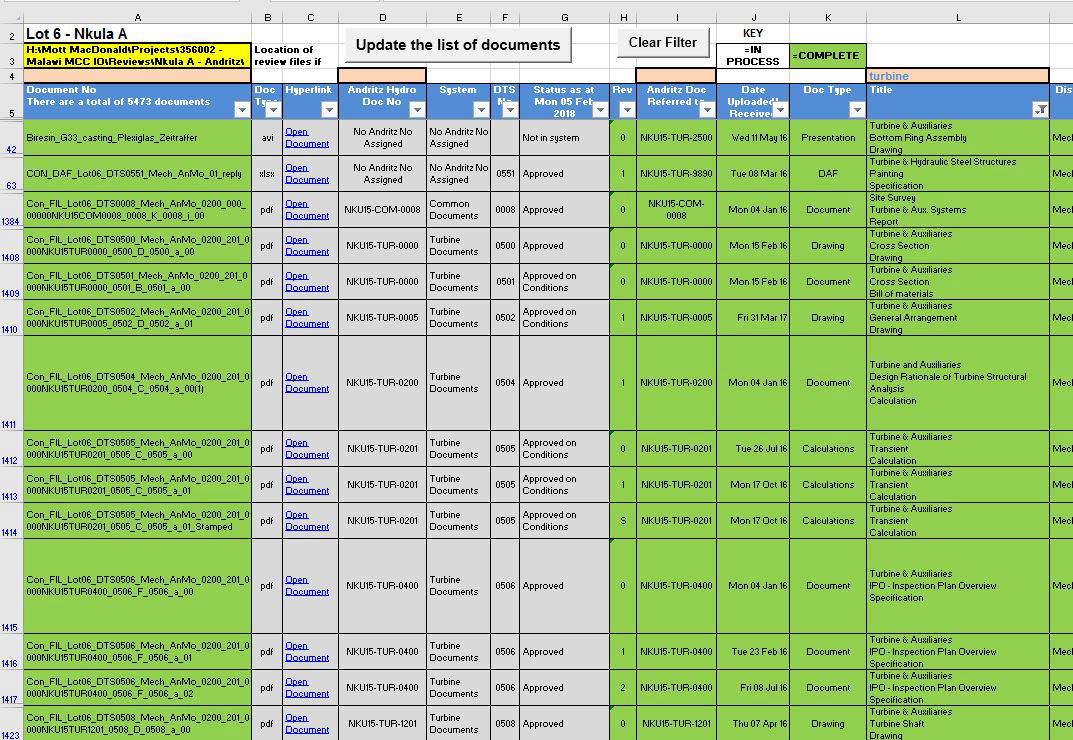
This sheet downloads all documents in a given folder that is entered into the yellow cell in the top left corner. Click the "Update the list of documents button" and the spreadsheet does the rest
2
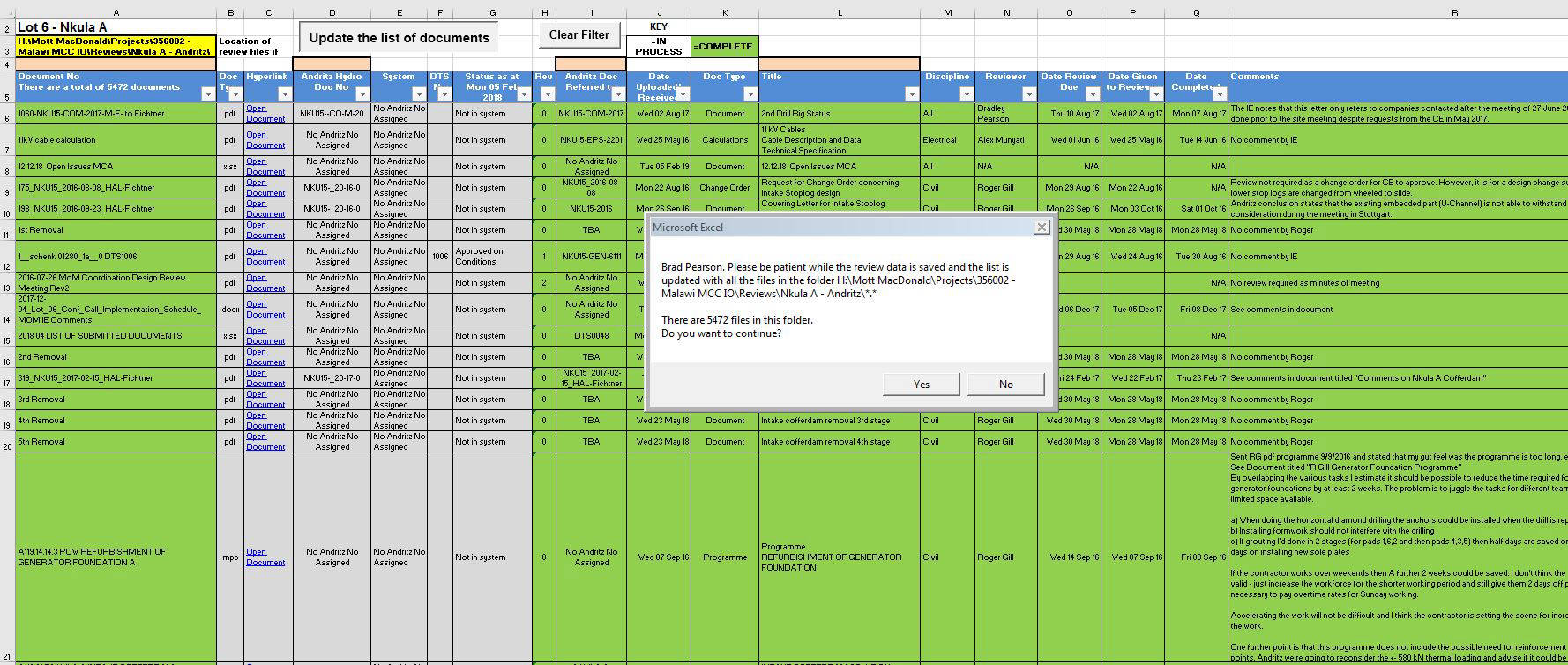
A pop up window comes up that also
shows how many documents are in
the folder
3
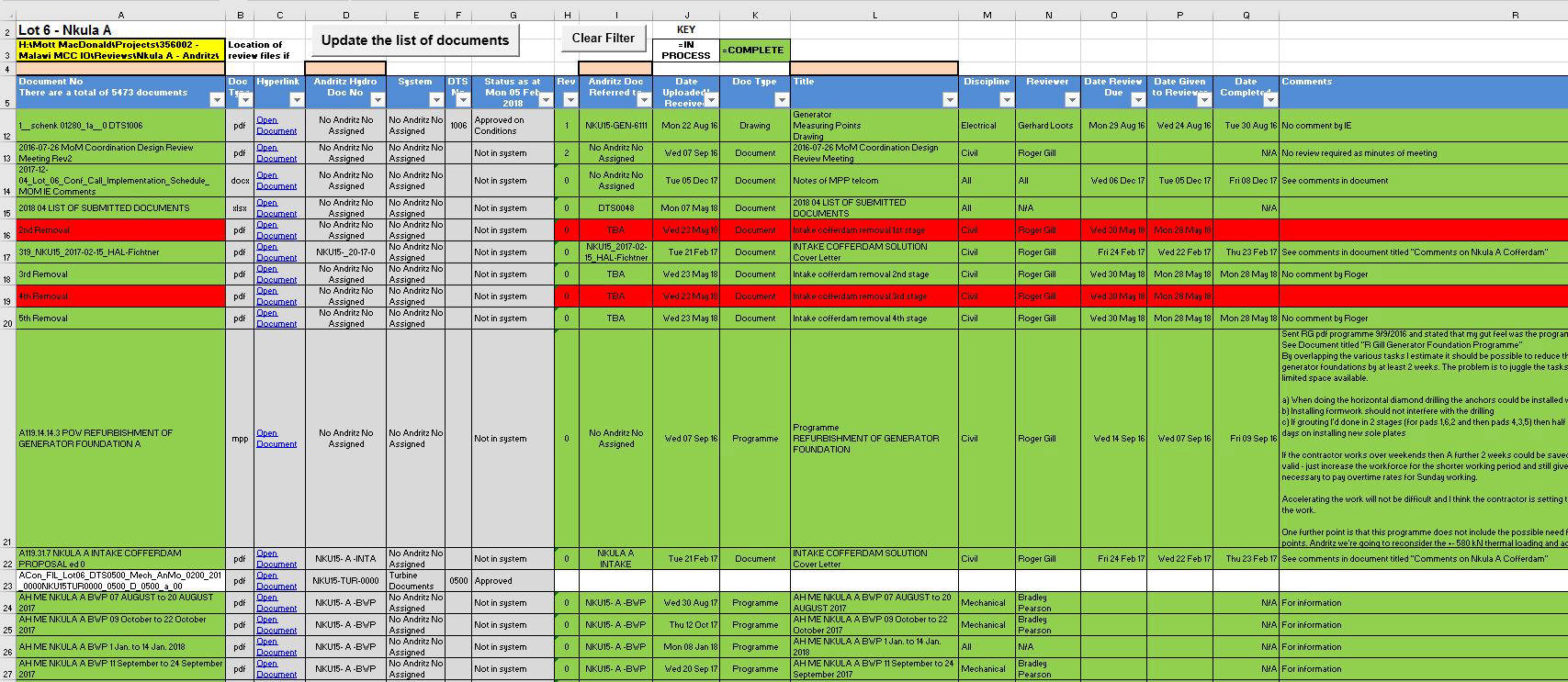
Any new documents show up with no colour and columns H to Q are blanks. Conditional formatiing is added to show overdue reviews in red, completed reviews in green and in process no colour. Hyperlinks to the documents are automatically added for easy opening and review
4
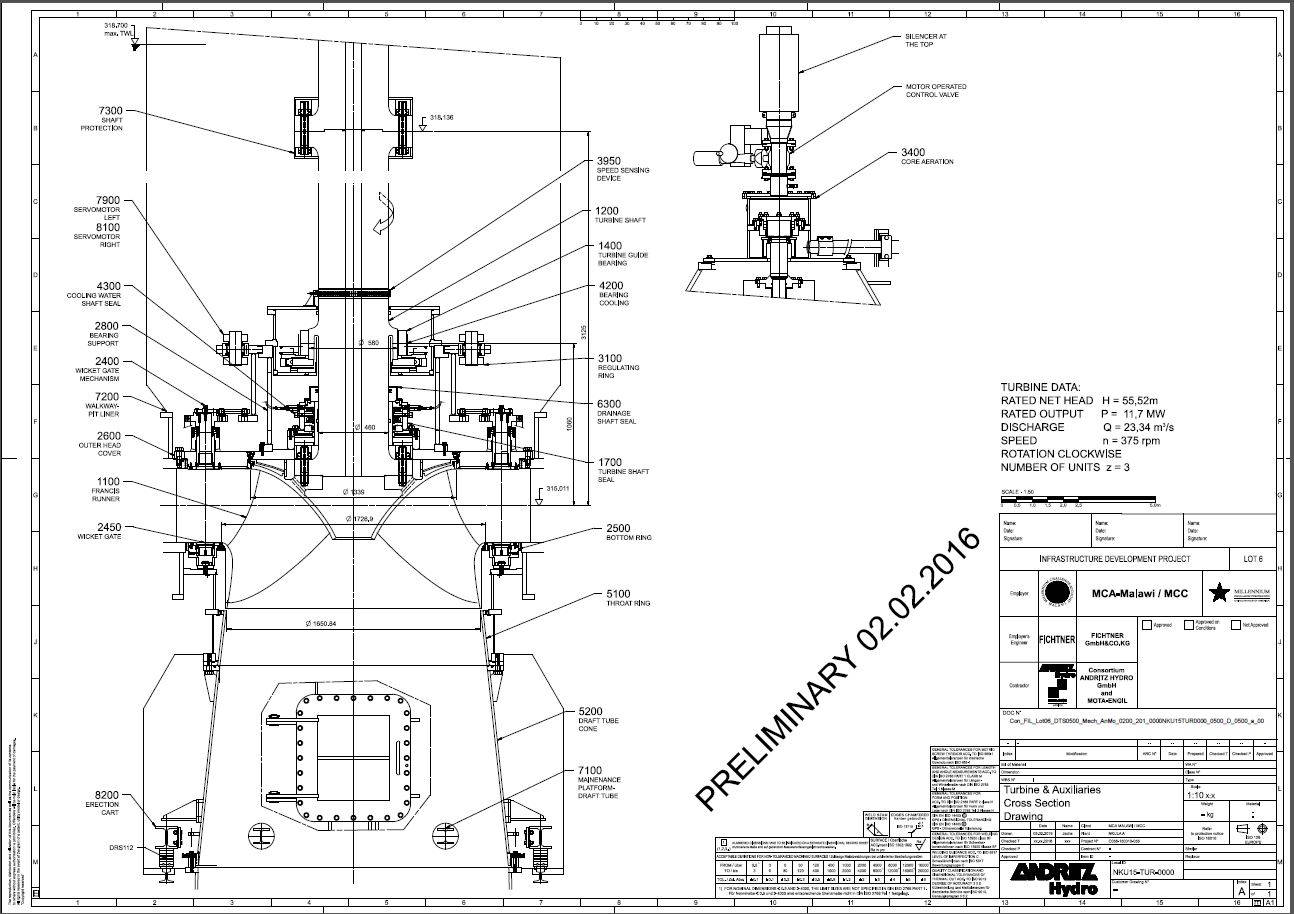
In this example the hyperlink for the new document is this cross section of a hydro francis turbine
5
This sheet also has easy to use search functions in the brown cells at the column headings. I use VBA for this. Simply type the key word you want to filter for ("turbine" in this example) and all documents with the word "turbine" are shown.